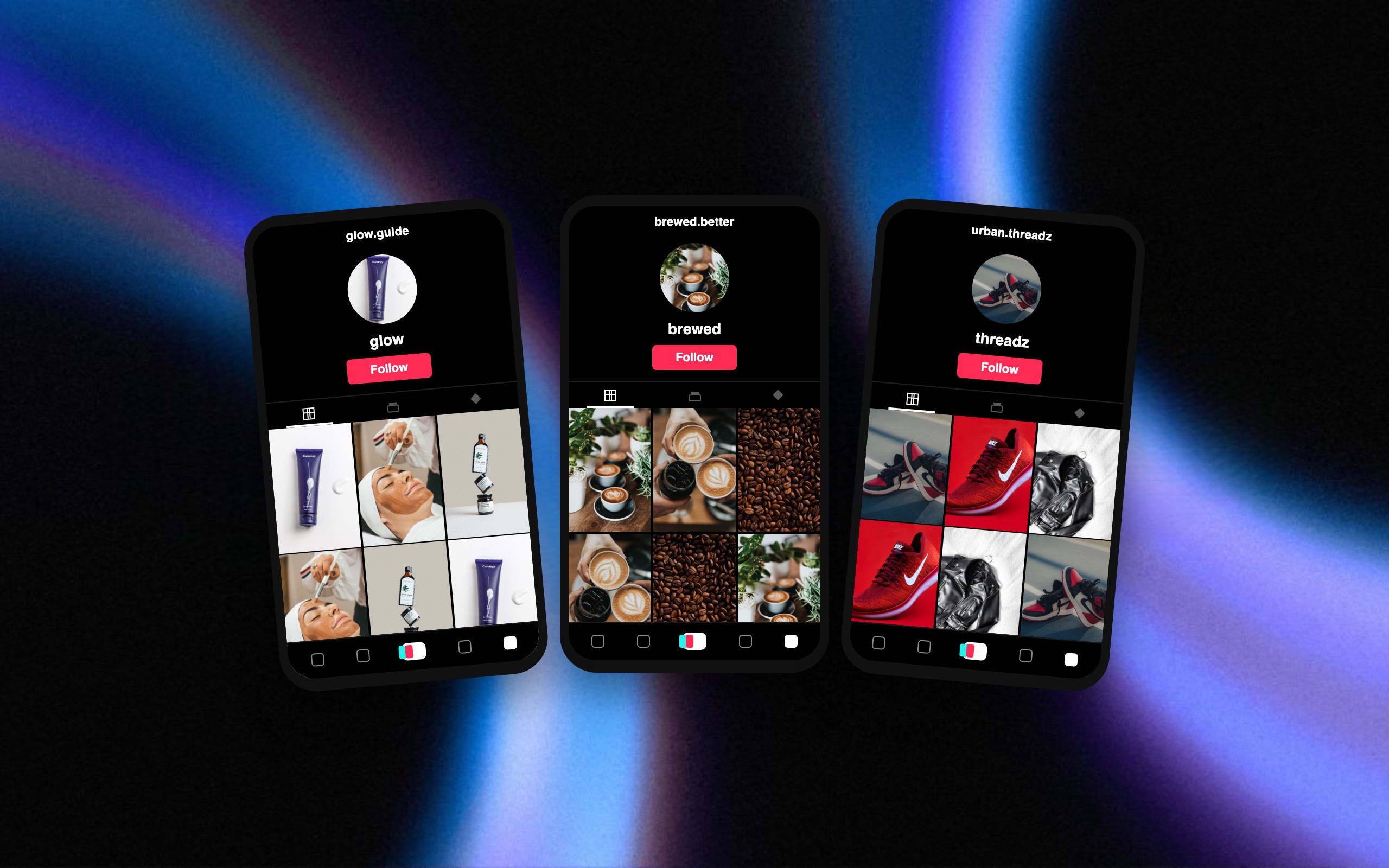
Fan pages that run for you.
Turn footage and music you own into clips, edits, and lyric videos. Keep your pages posting, cross-post to connected accounts, and grow approved winners with ads.
Review drafts, or authorize supported account-level autopilot. You set the limits.
Used by the top brands and creators











Set the direction. Let the workflow run.
Step 1
Build the page
Choose a theme, your source footage, the visual style, and the accounts.
Step 2
Choose how it runs
Review every post, or authorize supported autopilot with a cadence and limits.
Step 3
Learn and grow
Track published results, make new variants, and approve budgets for paid growth.
Create
One source. A page full of possibilities.
Build around a podcast, stream, artist, product, or theme. Turn material you already have into a recurring content workflow.
- Auto-clip longer videos into moments that stand on their own.
- Edit pacing, framing, captions, and creative direction.
- Make lyric videos from your music and verified lyrics.

Distribute
Keep the page moving while you work.
Connect the accounts, choose the schedule, and decide how much you want to review. Supported autopilot lets new posts publish within the permission you set.
- Select the accounts instead of posting everywhere by default.
- Instagram autopilot uses a daily limit and a permission expiry.
- Keep review mode on, pause automation, or change the direction.
Scale
Give the winners another life.
Use published performance to decide what to make next. Turn promising content into new edits and ad creative, then set up the paid campaign you want to run.
- See what was published and how it performed in Stats.
- Create variants for your next organic posts or ads.
- Approve ad-account access and budgets separately before spend.