









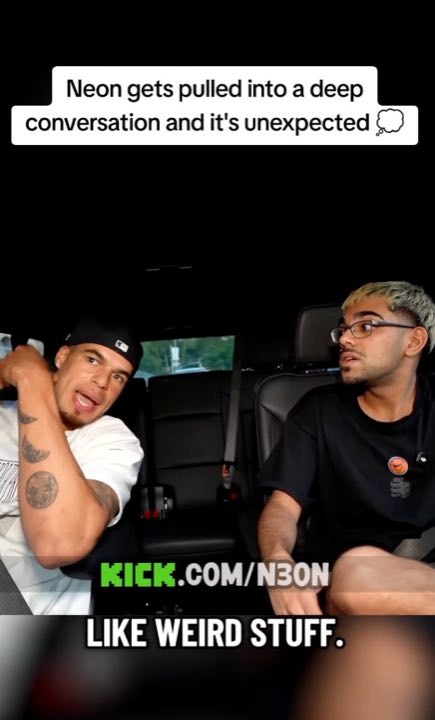



The best auto clipper.
Find the best moments in streams, podcasts, sermons, Loom recordings, gameplay, or your own footage. Get captioned clips sized for TikTok, Reels, and Shorts.
Your first playable batch. No card required.
Used by the top brands and creators
















Three steps. More from every video.
Step 1
Add your video
Paste a supported link or upload a video you own.
Step 2
Make it yours
Create your account, choose your direction, and start clipping.
Step 3
Review and share
Pick your favorite cuts. Edit, download, or plan your next post.
Find the moment
A complete thought. A stronger short.
Start with the recording you already have. Auto Clipper finds moments to turn into standalone clips, rather than asking you to cut the whole episode by hand.
- Podcasts, streams, sermons, gameplay, talks, and Loom recordings.
- Give a topic or direction, or let the clipper find highlights.
- Review the beginning and ending before you share.
Finish the clip
Captions on. Ready for the feed.
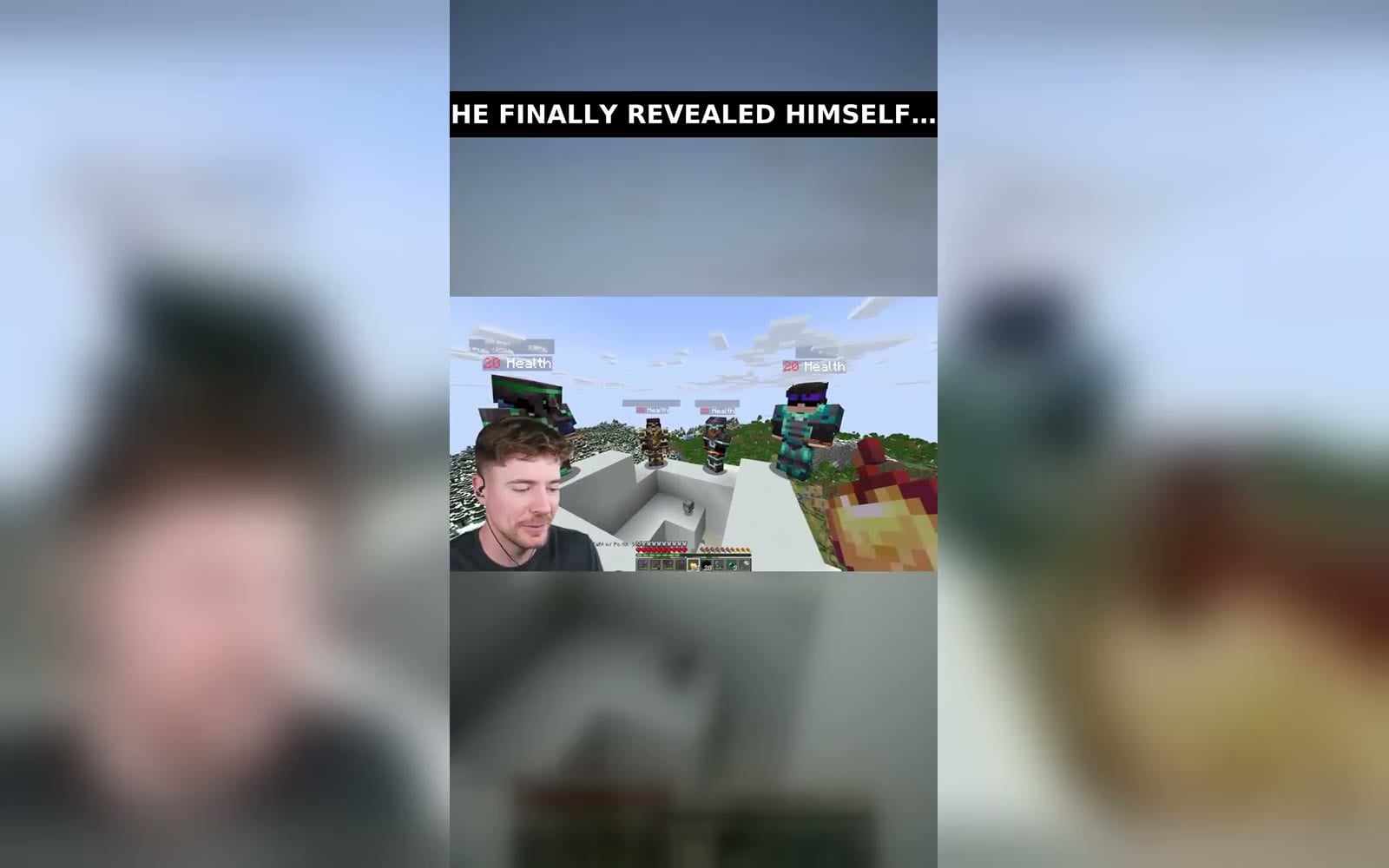
Turn the selected moments into captioned vertical videos. Open the editor when a word, cut, crop, or framing needs your touch.
- Captioned exports sized for TikTok, Reels, and Shorts.
- Fine-tune the cut instead of starting again.
- Download clips individually or collect a batch.
Make it a recurring workflow.
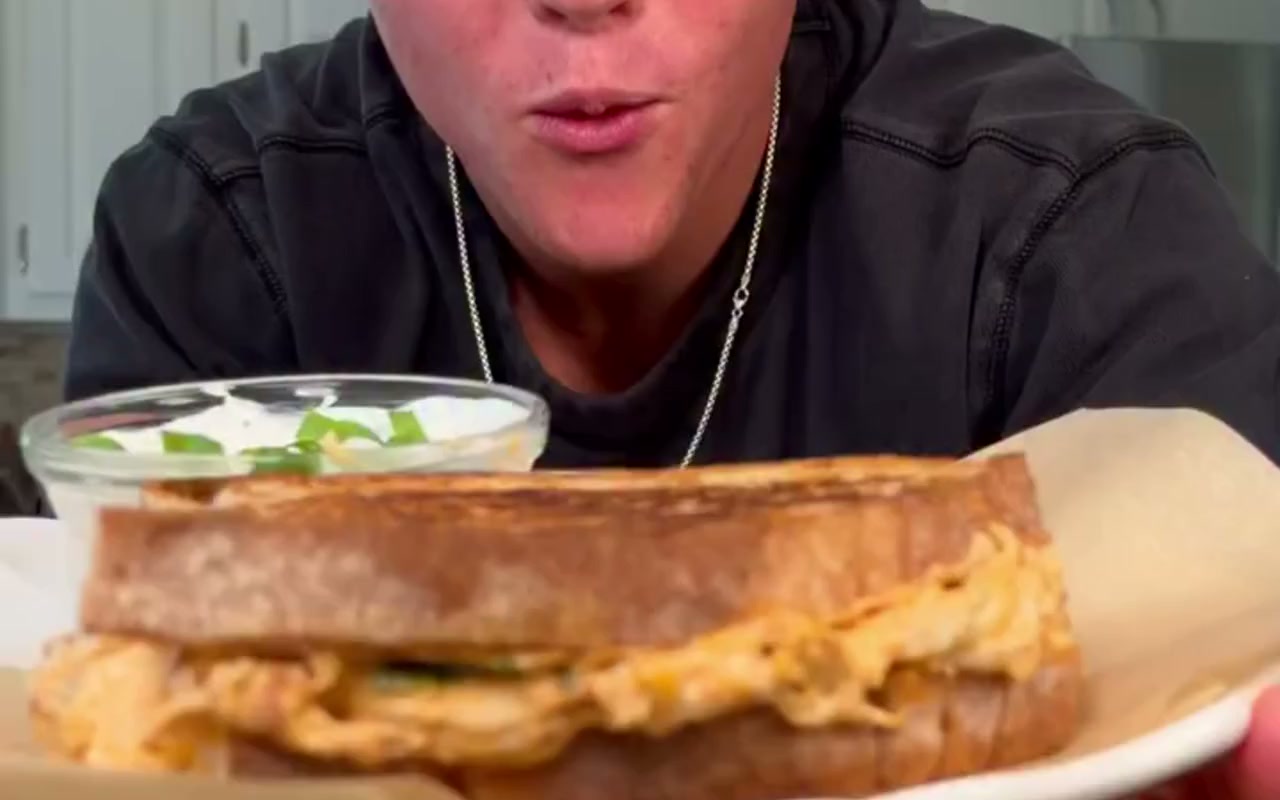
Want more than a one-off batch? Set up daily clips from your chosen sources, then queue finished videos for your connected pages. Review posts yourself or enable supported account-level autopilot.
See automated fan pagesQuestions people actually search
Cut your next batch of clips
No card. First batch includes burned captions and 1080p. Starter keeps cutting more videos each week.